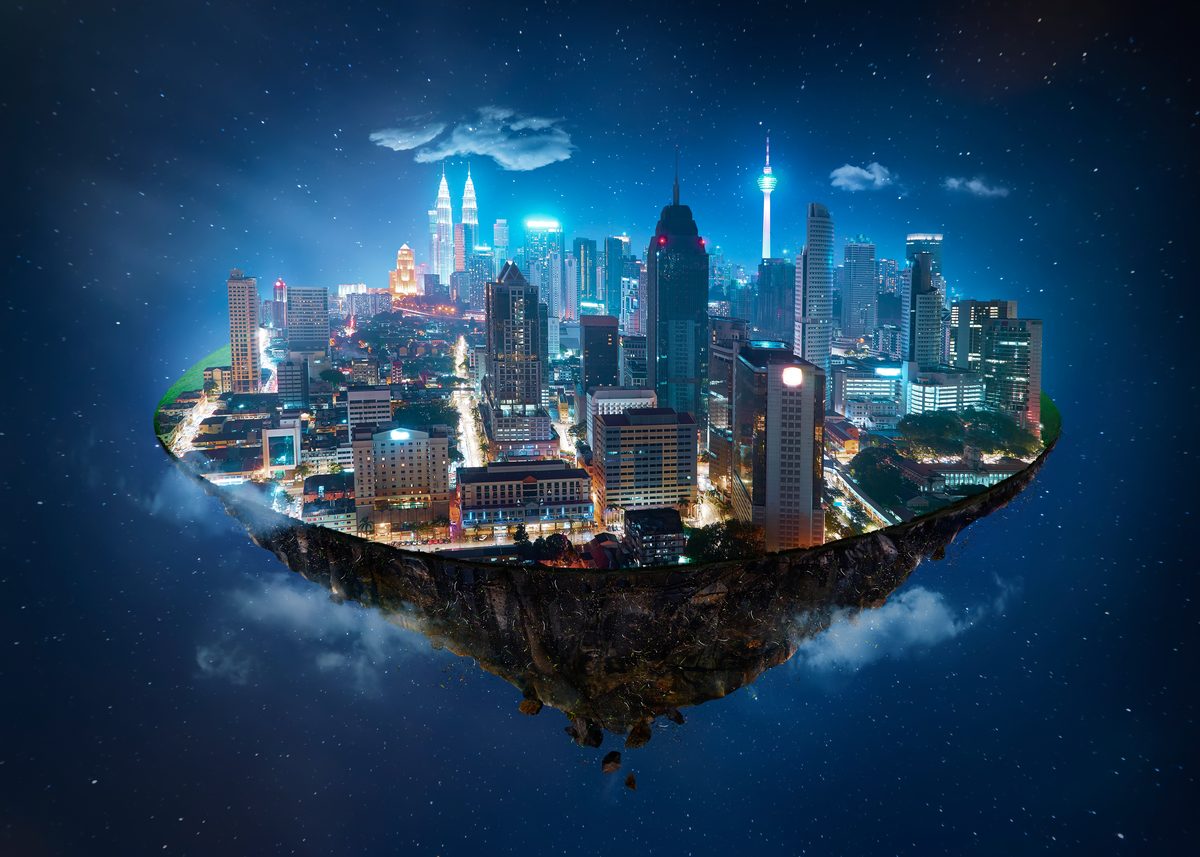
You know those composites where every element looks like a flat cutout pasted onto a backdrop? Nine times out of ten, the problem is a complete absence of atmospheric perspective. The compositor matched the light, nailed the perspective, got a clean mask — then forgot that air itself affects how we see things.
What Atmospheric Perspective Actually Is
In the real world, the atmosphere between your eye and a distant object affects that object’s appearance. Particles in the air — moisture, dust, pollution — scatter light and create predictable visual changes as distance increases.
Distant objects lose contrast. The difference between their lightest and darkest areas compresses.
Distant objects lose saturation. Colors become muted and shift toward the ambient atmospheric color.
Distant objects shift in hue. They typically take on a blue or blue-gray cast in daylight conditions, though at golden hour or in hazy conditions, the shift can be toward warm tones.
Distant objects lose sharpness. Fine details become progressively softer.
These effects happen on a gradient. Objects in the foreground show the least atmospheric influence, and objects approaching the horizon show the most.
Why Compositors Miss It
When you extract a subject from a photograph, you’re pulling it out of one atmospheric context and placing it in another. The extracted subject carries the atmospheric characteristics of its original distance and environment. If those don’t match the new placement, the composite looks wrong.
The other common problem is compositing multiple background elements at different distances without adjusting their atmospheric characteristics to reflect those distances. Mountains and buildings all rendered with the same contrast, saturation, and sharpness look like they’re all the same distance away.
How to Build It
I work atmospheric perspective in layers, from the most distant elements forward.
Step 1: Establish Your Atmosphere
Study your background plate. How much atmospheric haze is present? What color is it? Is it cool blue haze, warm golden haze, or neutral fog? This sets the target for all your adjustments.
Step 2: Adjust Distant Elements First
For background elements that should appear far away, apply these adjustments:
Reduce contrast using a Curves or Levels adjustment layer clipped to the element. Lift the shadows and pull down the highlights to compress the tonal range.
Reduce saturation with a Hue/Saturation adjustment layer. How much depends on the distance and atmosphere density, but distant mountains might lose 40-60% of their saturation.
Add the haze color using a solid color layer clipped to the element, set to a low opacity (10-30%) with a blending mode like Screen (for bright haze) or Normal (for fog). Sample the actual haze color from your background plate rather than guessing.
Reduce sharpness with a subtle Gaussian blur. Distant elements might get 1-3 pixels of blur depending on the image resolution and the distance being simulated.
Step 3: Work Forward
Apply progressively less atmospheric adjustment to elements that are progressively closer to the camera. Midground elements get moderate adjustments. Foreground elements get minimal or no atmospheric modification.
Step 4: Add Haze Layers
For scenes with visible atmospheric haze, I paint haze between depth layers using a large, soft brush on a separate layer. The color matches the atmospheric haze in the background, and the opacity increases toward the horizon.
This is the step that makes composites feel three-dimensional. Even a subtle haze layer between the midground and background creates a sense of depth that’s almost impossible to achieve through element adjustment alone.
Common Mistakes
Too much atmosphere on everything: Atmospheric perspective is a gradient. If everything looks equally hazy, you’ve created fog, not depth.
Wrong haze color: Blue haze on a golden hour scene kills the mood. Always sample from your actual background.
Forgetting the foreground: Elements very close to the camera sometimes need slightly reduced contrast and increased warmth to simulate the atmosphere between camera and subject.
Atmospheric perspective is subtle work. But it’s the difference between a composite that looks assembled and one that looks photographed.
Comments (2)
This plus your article on a similar technique has completely leveled up my work.
Clear and practical. No fluff. Appreciate that.
Leave a Comment