I have a bad habit. Before I open any software, I sketch the composite on paper. Every layer, every light source, every shadow angle mapped out like an architect’s blueprint. It works for movie posters and album covers. It is the right approach when a client is paying for precision and the final file goes to a printer at 300 DPI across a wall.
It is the wrong approach when you need to mock something up fast, test a creative direction, or just stay loose enough to let a good accident happen.
That tension, between my instinct to over-engineer and the creative value of working quickly, is exactly why a recent KelbyOne tutorial from Dan Harlacher stopped me mid-scroll.
Why Speed Is a Skill Worth Studying
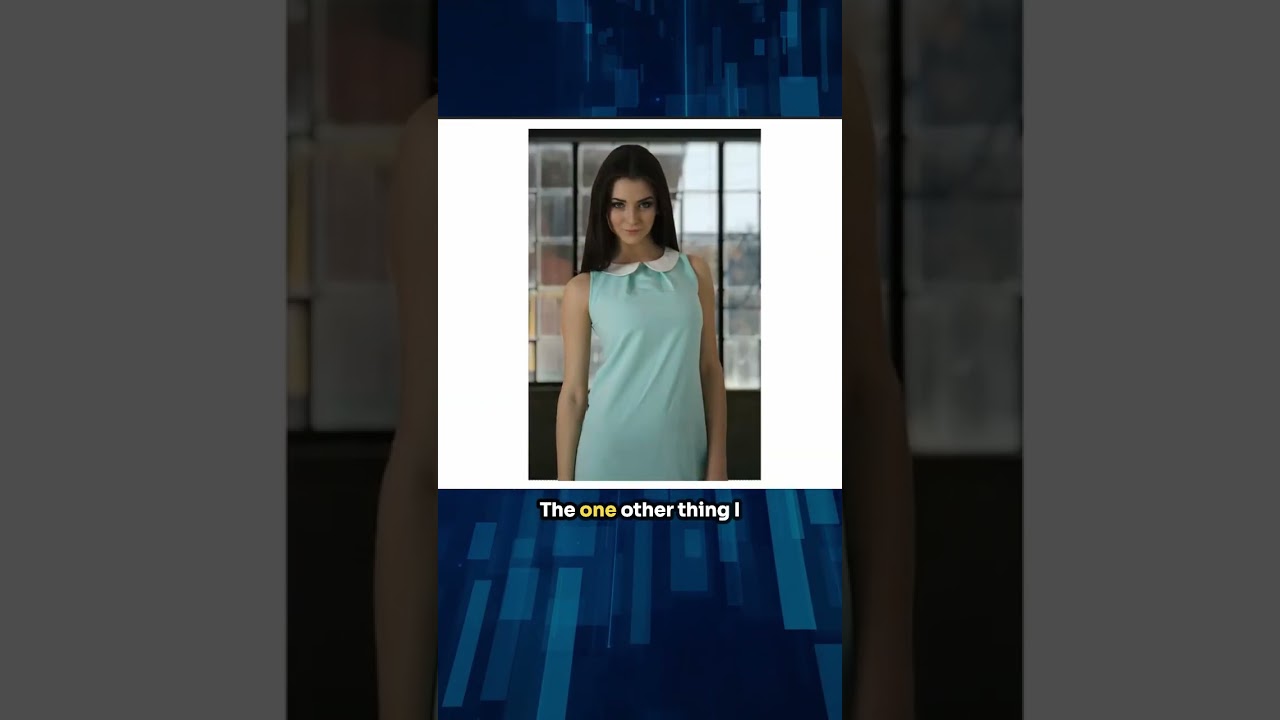
In this KelbyOne session hosted by Scott Kelby, Dan Harlacher walks through a fast composite and color change inside ON1 Photo RAW. The whole thing moves at a pace that would make a perfectionist uncomfortable. That is the point. Harlacher is demonstrating that you do not need to live inside a technique for six hours to get a result worth keeping. Speed here is not sloppiness. It is confidence built from knowing which decisions matter and which ones you can make in thirty seconds.
I work in Photoshop by default, but I keep ON1 in the rotation because its masking and effects stack has a different logic to it, one that sometimes gets me to a blended result faster than my usual pipeline. Watching Harlacher move through this workflow confirmed why.
The Composite Setup: Minimal Steps, Maximum Control
The core technique starts with two images, a subject and a background, brought together inside ON1’s layers panel. Harlacher drops the background in first, then places the subject on top. No surprises there. What is worth paying attention to is how quickly he moves to masking.
Rather than fussing with manual selection tools, he leans on ON1’s AI-powered masking to isolate the subject in one step. The initial mask is not perfect, and he does not pretend it is. He refines it using the Refine Mask brush, focusing on the edges where the subject meets the background, hair and shoulders being the usual problem zones. The key move here is using the brush at a lower opacity on transitional areas rather than trying to get a hard clean edge everywhere. Composite edges that are too clean read as fake. A little softness where the light would naturally scatter is what makes a blend feel photographic.
Once the mask holds up at a normal viewing distance, he adjusts the subject layer’s blend mode and opacity to tie it into the background’s tonal range. He is not chasing a perfect match at this stage. He is looking for whether the two images can plausibly share the same light. If they cannot, no amount of color grading will save it. If they can, the next step does the heavy lifting.
Changing Colors Without Destroying Texture
This is the part of the tutorial that genuinely shifted something in my thinking. Harlacher uses ON1’s Color Enhancer or a targeted HSL adjustment to change the color of specific elements in the scene, in this case shifting a color in the composite to something that reads differently in mood and temperature, without flattening the texture underneath.
The approach is targeted. He is not doing a global hue shift that moves everything. He is isolating a specific color range and rotating just that hue, then pulling back the saturation slightly so the new color sits in the image rather than screaming at the viewer. That last part, the slight desaturation after the hue shift, is something I now do instinctively in my own work, but I learned it the hard way on a book cover project where a client called a sky “too digital.” They were right. A hue-shifted color at full saturation reads synthetic. Bring it down ten to fifteen percent and it starts to breathe.
He also applies a subtle luminosity adjustment to the color-changed area to match the brightness of the surrounding tones. This is the step most people skip. It is also the step that separates a color change that looks intentional from one that looks like a filter was dragged across the image.
Where I’d Push This Further
My one honest pushback on the fast-composite approach is that it works best when your source images share a light direction. Harlacher’s example is well-chosen because the light geometry already cooperates. In my experience, the moment you try to composite a subject lit from the left into a background with light coming from the right, no amount of clever masking or color grading covers it. You have to paint in the corrective lighting yourself, which means the fast workflow now has a slow step embedded in it.
For quick mockups and creative exploration, this tutorial’s approach is exactly right. For anything going to final output, I still sketch first and check the light before I place a single layer.
That said, there is real value in training yourself to make fast decisions. I keep a folder of composites I built in under thirty minutes, not to publish them, but to remind myself that instinct is a muscle and it atrophies when you only work slowly.
The Takeaway
Speed and quality are not opposites in compositing. The fastest path to a believable blend is knowing exactly which three decisions actually matter: the mask edge quality, the light direction match, and the post-hue-shift desaturation. Everything else is refinement.
Watch the full tutorial on the KelbyOne YouTube channel to see Harlacher’s exact moves in real time. The visual pacing alone is worth the twenty minutes.
Comments
Leave a Comment